
I am now on Twitter! Meet me on Twitter here (my nick is pkrumins.)
Or on Google Buzz and Facebook.
Merry Christmas everyone!
If you’re celebrating Christmas at your Unix console, wouldn’t it be fun to have a Christmas tree in your shell? It sure would! Follow these steps to have your own Christmas tree in the shell.
Step 1: Install Acme::POE::Tree Perl Module.
Type the following at your shell, it will install Acme::POE::Tree Perl module:
perl -MCPAN -e 'install Acme::POE::Tree'
If you get notified that you are missing dependencies, answer ‘yes’ to have them installed.
Step 2: Celebrate Christmas at Console.
Type this to have your Christmas tree up and running:
perl -MAcme::POE::Tree -e 'Acme::POE::Tree->new()->run()'
The result:
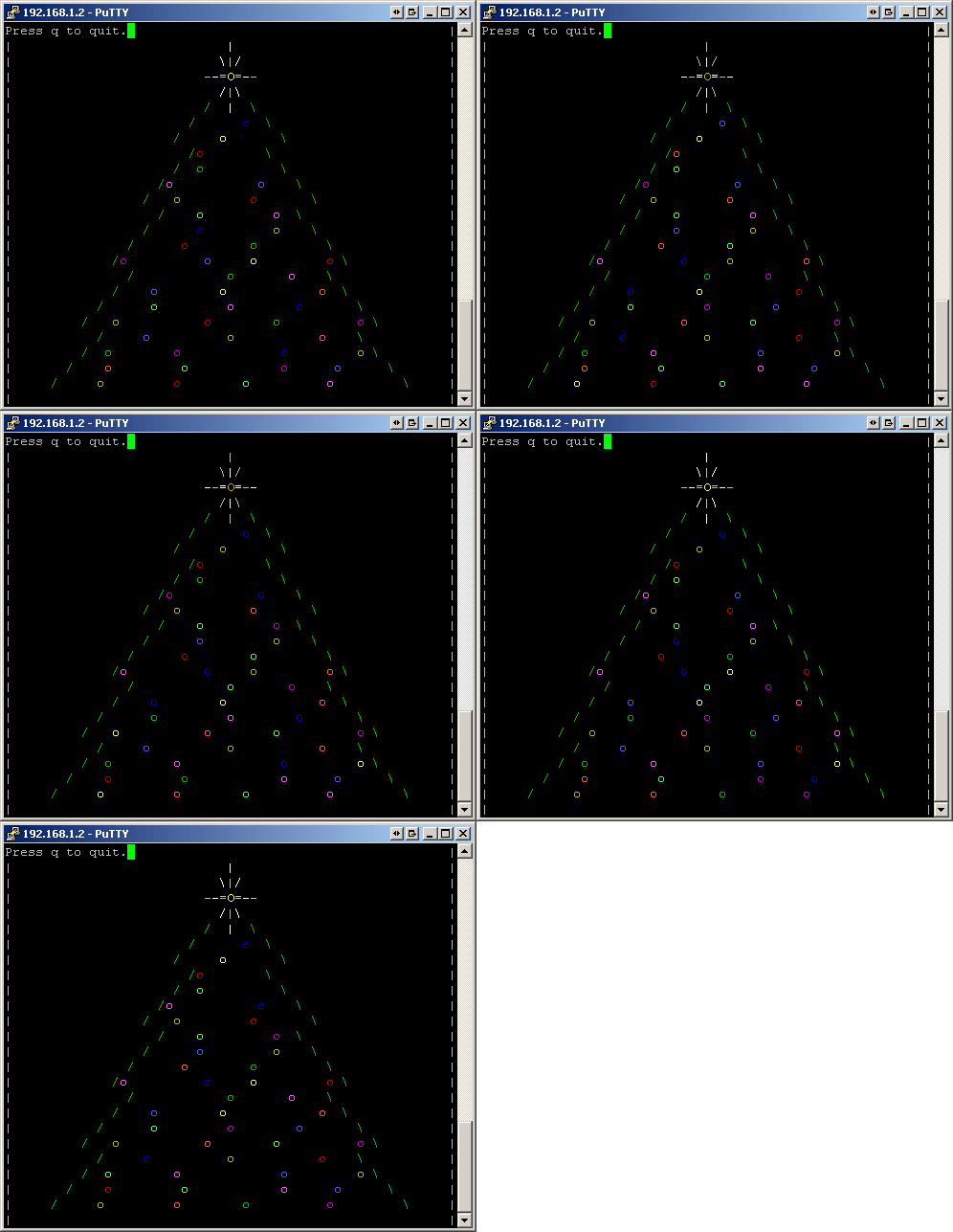
Merry Christmas!
Ps. I created a geeky wish list at Amazon.com. I’d appreciate a Christmas or New Year present. The list is here: Peter’s Amazon.com Wish List. Thank you! :)
Did you like this post? Subscribe here:
If you really enjoyed the post, I'd appreciate a gift from my geeky Amazon book wishlist. Books would make me more educated and I could write even better posts. Thanks! :)


(9 votes, average: 3.67 out of 5)
|
|
|


December 26th, 2008 at 2:28 am
This has to be the greatest(read geekiest) christmas tree ever.
December 26th, 2008 at 2:54 am
Merry Christmas! Thanks for all the great blog articles :)
December 26th, 2008 at 3:40 am
ho! ho! ho! ho! great tip Peteris :-D
December 26th, 2008 at 6:42 am
Merry Christmas!!
Ah! That seems like so much fun. I can do that, too ^^*~
December 26th, 2008 at 6:08 pm
Peter, Merry Christmas. Thanks for such an wonderful Christmas tree. You rock :-)
December 27th, 2008 at 5:56 pm
[…] Christmas Tree in the Shell - good coders code, great reuse Related Reading: The House at Sugar Beach: In Search of a Lost African Childhood The Lies About Money: Why You Need to Own the Portfolio of the Future […]
December 27th, 2008 at 5:57 pm
[…] Christmas Tree in the Shell - good coders code, great reuse Related Reading: The Ascent of Money: A Financial History of the World The Lies About Money: Why You Need to Own the Portfolio of the Future […]
December 29th, 2008 at 4:06 pm
It installed for ages but then worked nicely. Thanks :)
And your screenshot is animated too, nice attention to detail. Did you do that by hand?
December 29th, 2008 at 4:07 pm
Hi Rob,
Yes, I did it by hand. I took several screenshots, loaded them in Photoshop and then saved as an animated gif.
January 2nd, 2009 at 8:08 pm
I can’t believe you have Windows on your desktop :-)
Thanks for the great blog.